Provider Prices
-
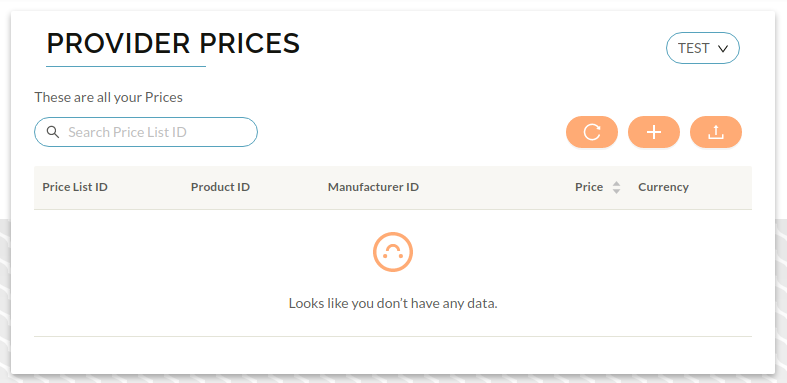
To create provider prices, press on the Service Provider dropdown at the top of your screen, then on Provider Prices you should be taken to the Provider Prices page
-
From the dropdown in the top right that by default displays All Public Providers choose your desired provider billing profile, and then click on the orange +.
-
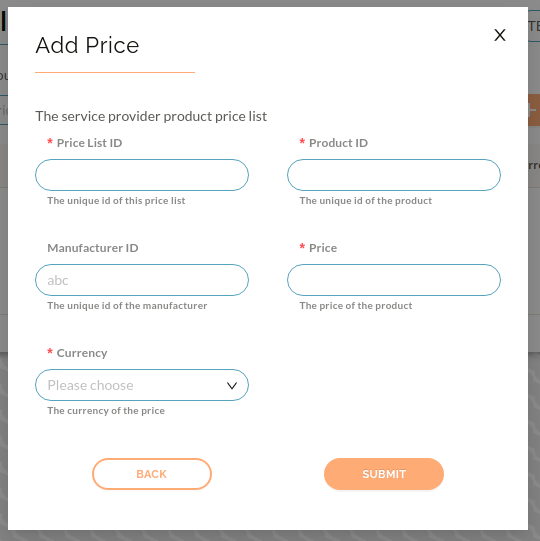
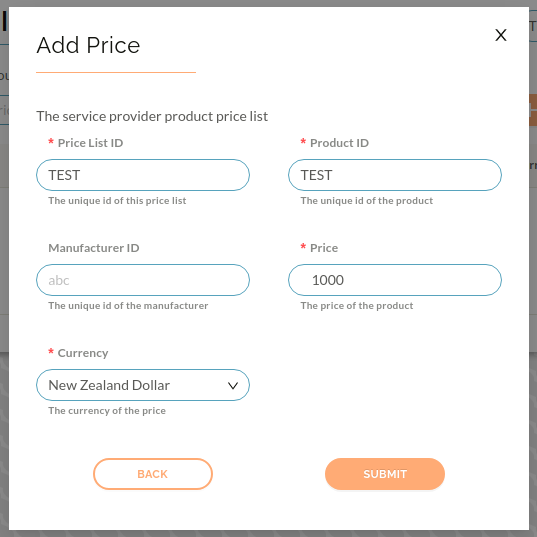
You will then be taken to the add price form, once completed press Submit
-
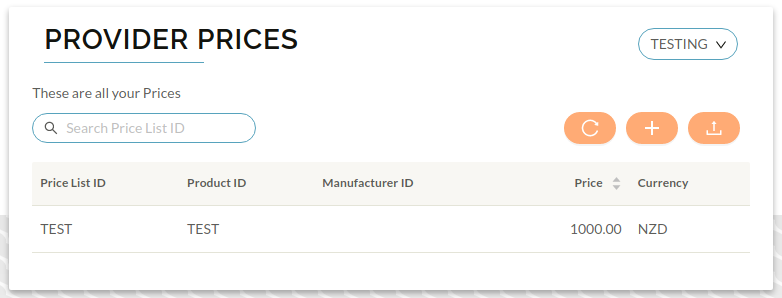
You will then be taken back to the Provider Prices pages, where you will see your newly created price