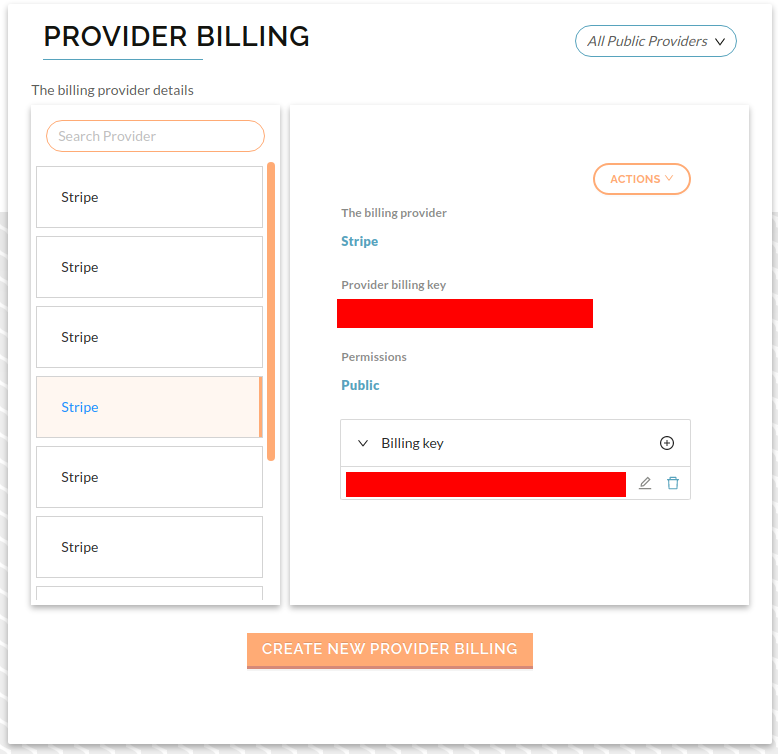
Setup Provider Billing
important
Refer Online check-in setup to get your Stripe publishable and restricted API keys
important
-
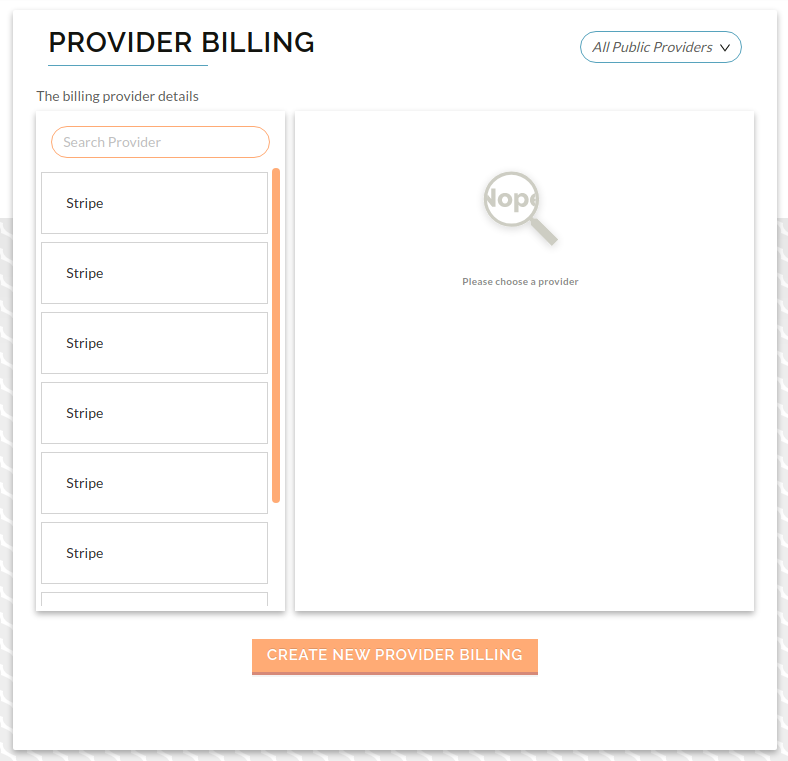
In the Service Provider dropdown, press on Provider Billing, and press Create New Provider Billing, to start the process
-
Press Create New Provider Billing, you will be taken to the provider billing form, select Stripe as your billing provider, and enter your publishable API key, then press Submit
-
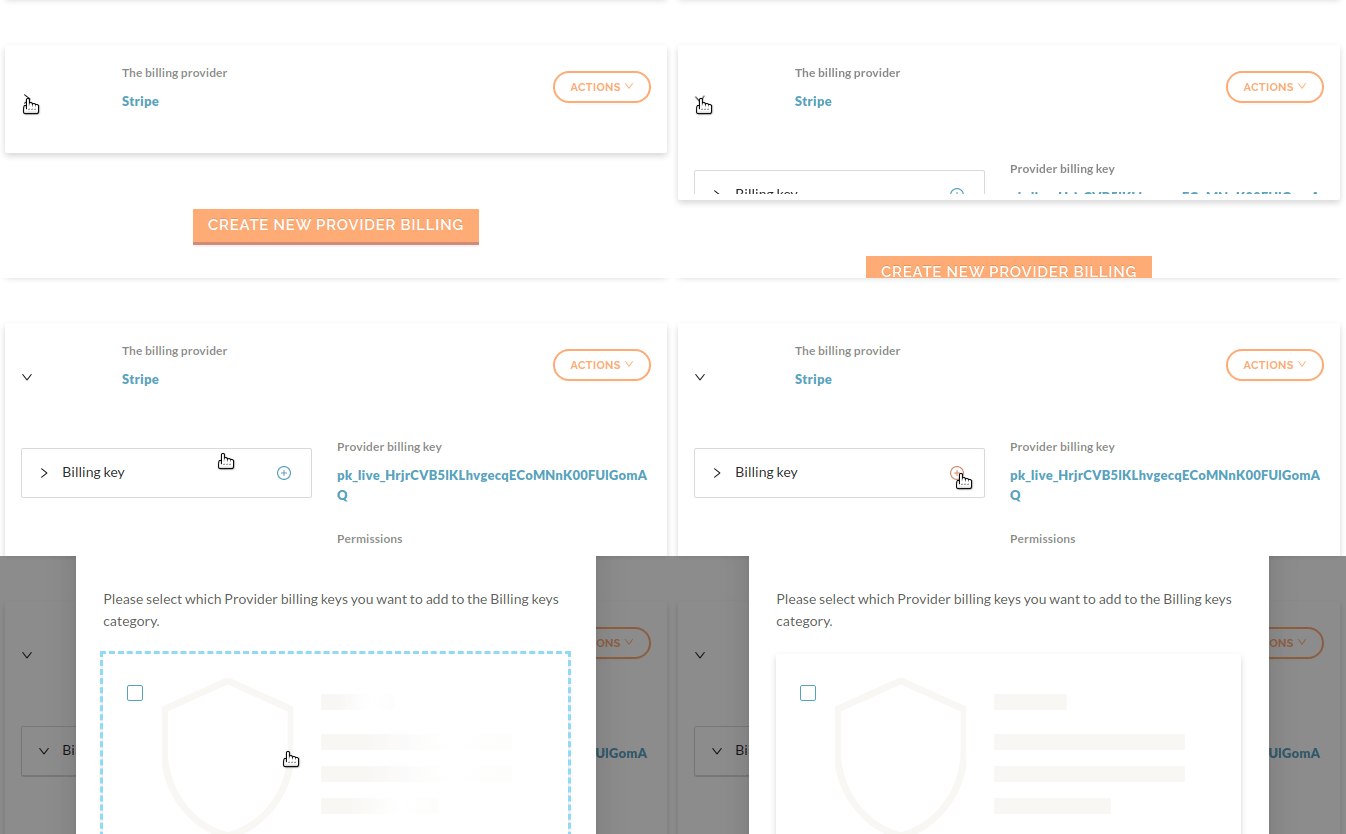
On the next page, select the billing provider that you just created, then under Billing Key,press the +, then press Create New, and then enter your restricted API key.
-
Finally, press Next, and then you should be taken to your newly created billing profile with the new billing key.