Create An Account
note
Before you create an account please refer Personally Identifying Email
note
-
Go to: app.rayt.io.
-
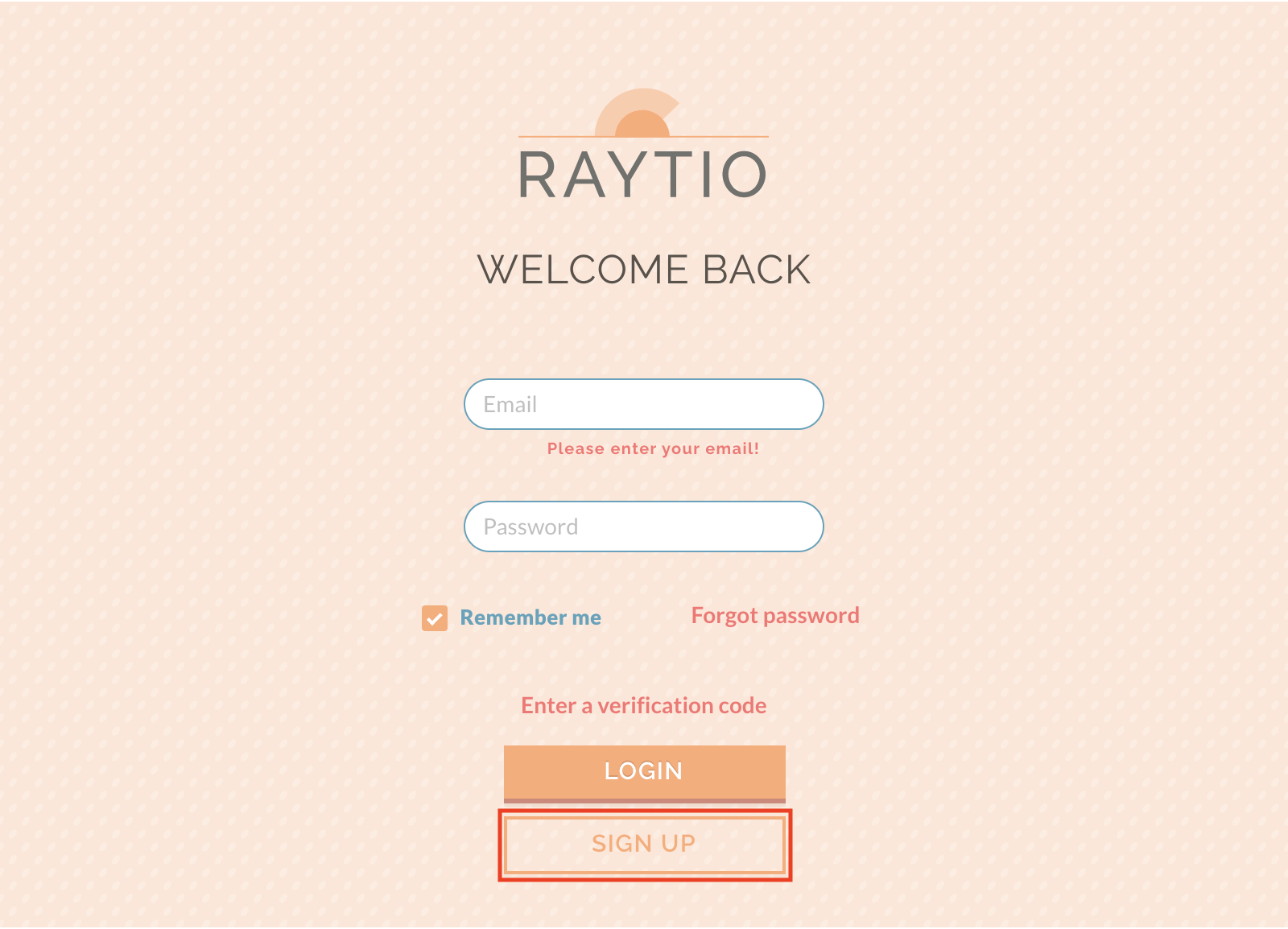
Press the SIGN UP button at the bottom of the screen.
-
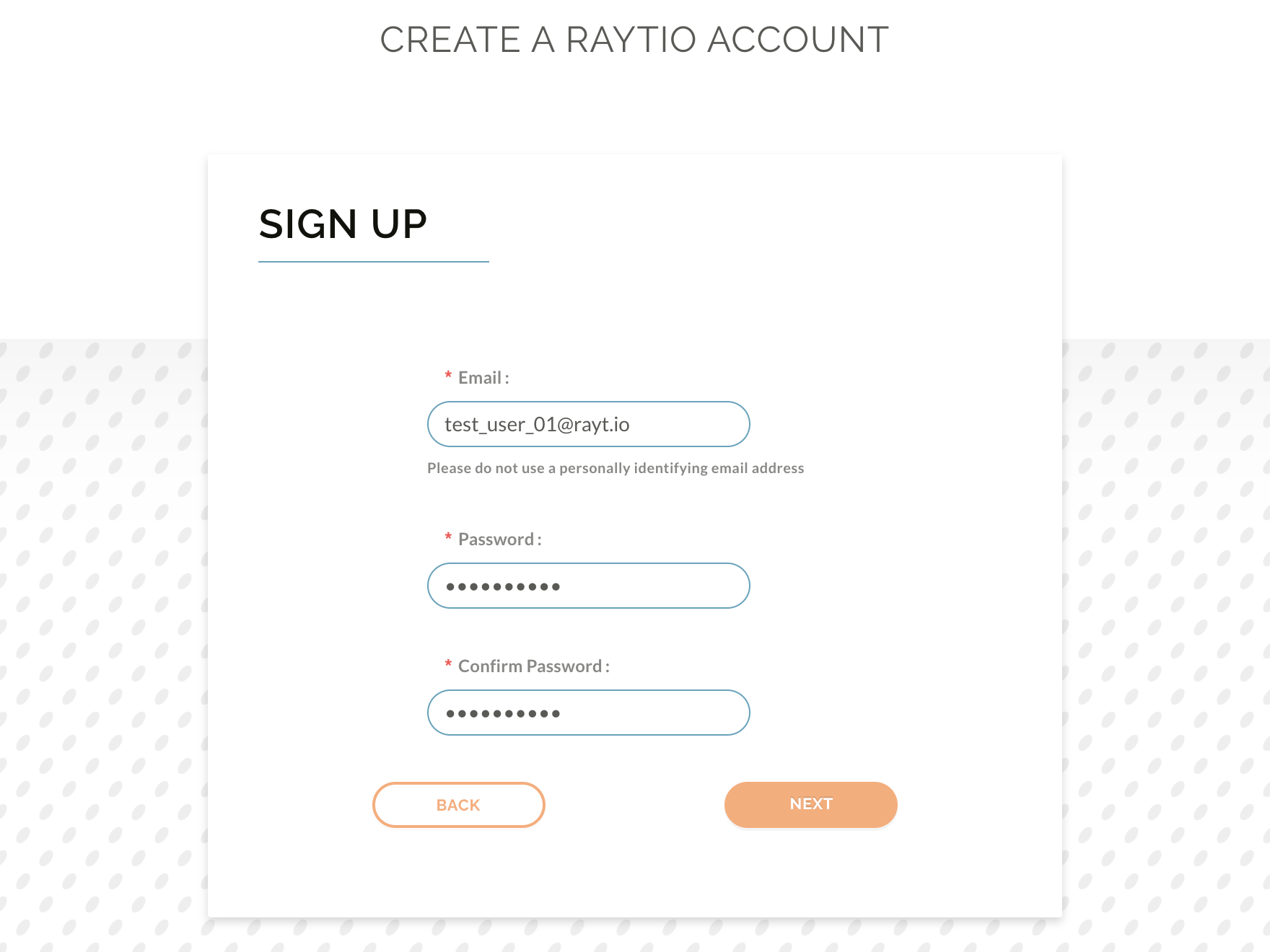
Enter your email and password into the boxes, then click Next.
-
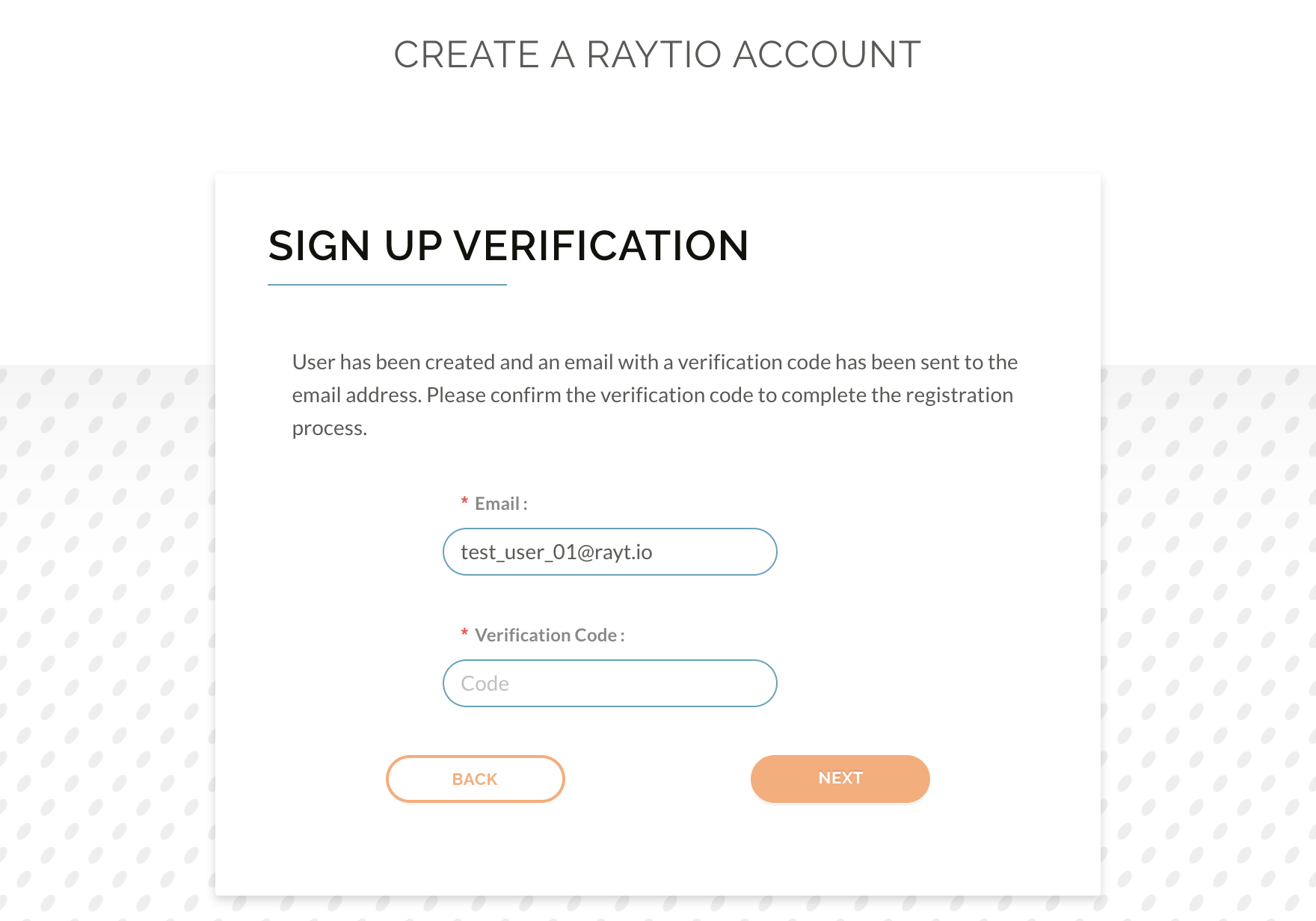
You will then be prompted to enter a verification code
-
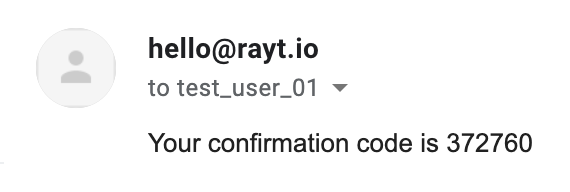
Navigate to your emails, there should be an email from hello@rayt.io with the verification code, copy this into the verification code box and click Next.
-
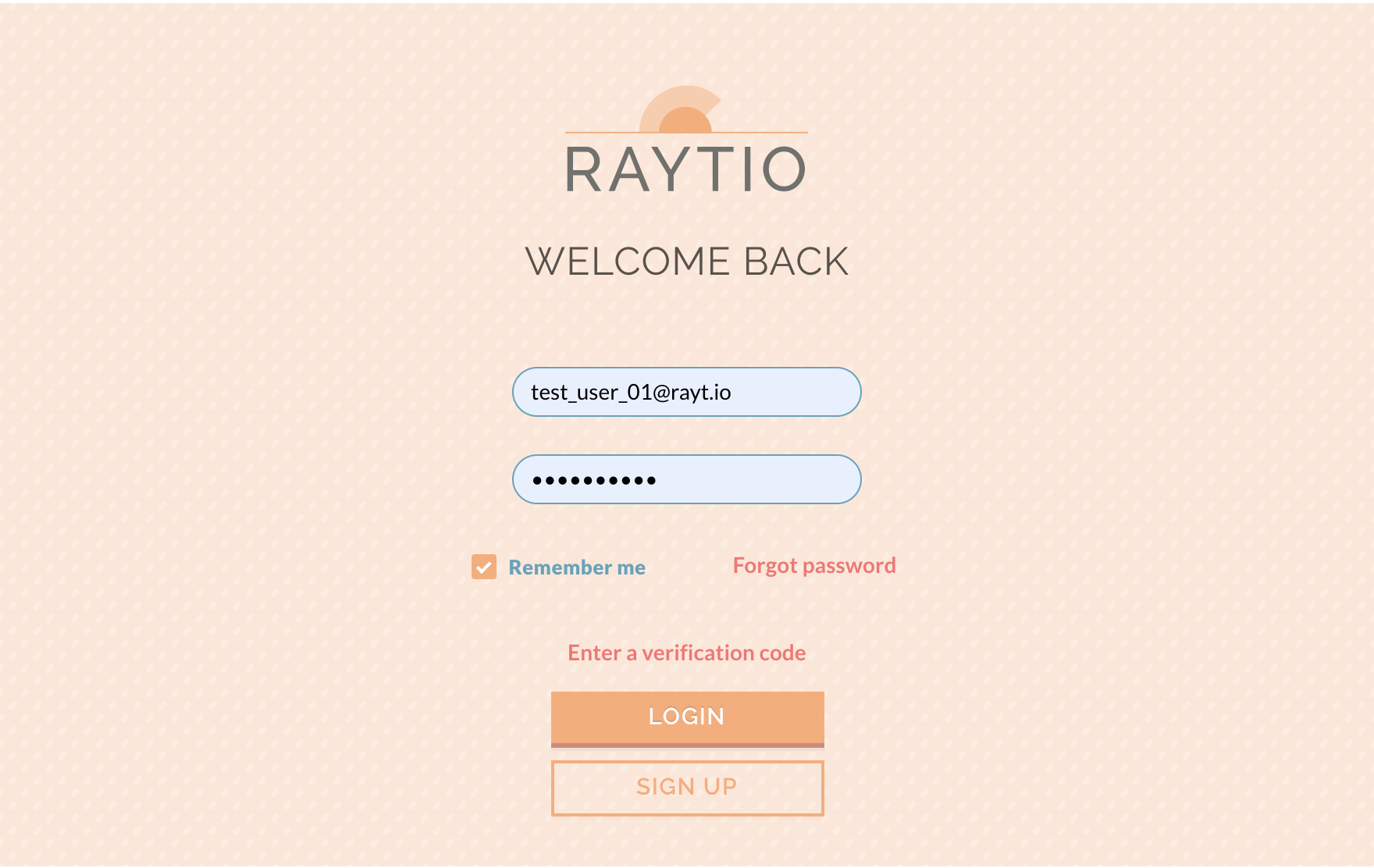
You will then be redirected to the login page, enter your credentials and click Login.
-
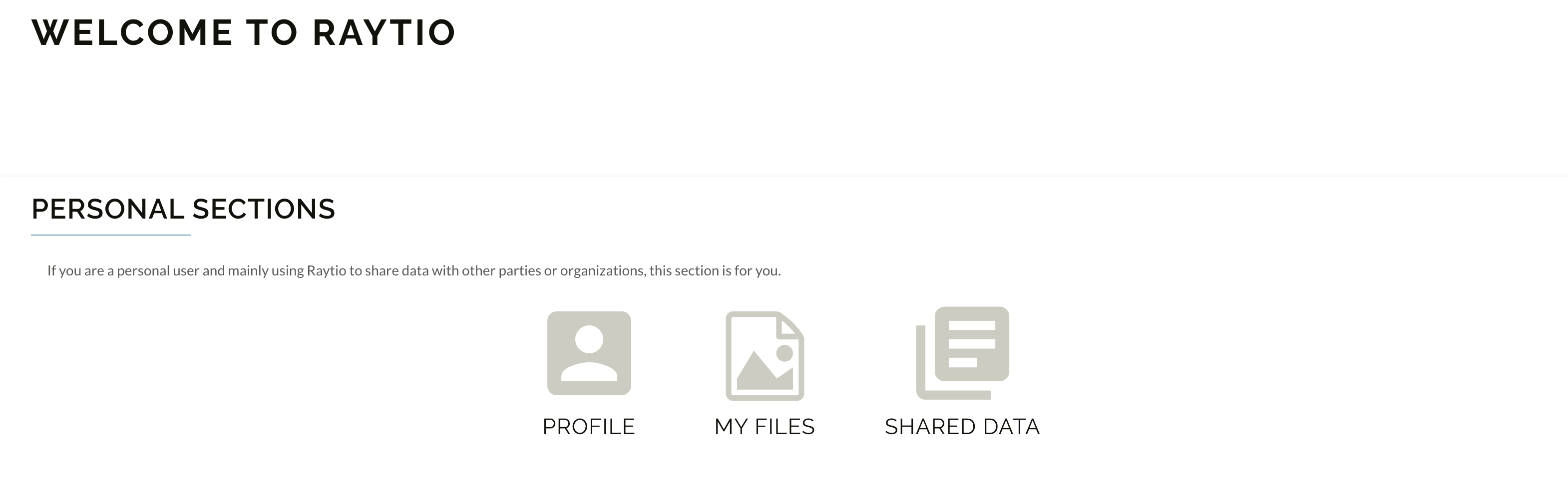
You will then be taken to the Raytio user home page, Congratulations! you have created your Raytio account