Change Password
-
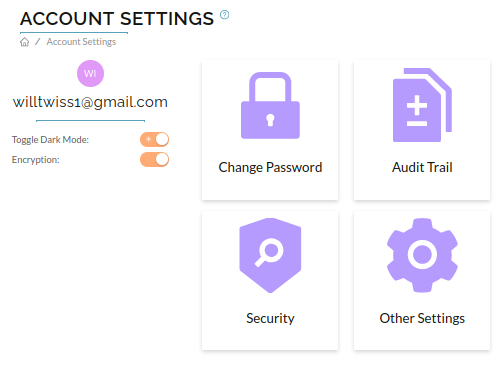
To Change your Raytio password, navigate to the Account Settings page under My Account. Select Change Password.
-
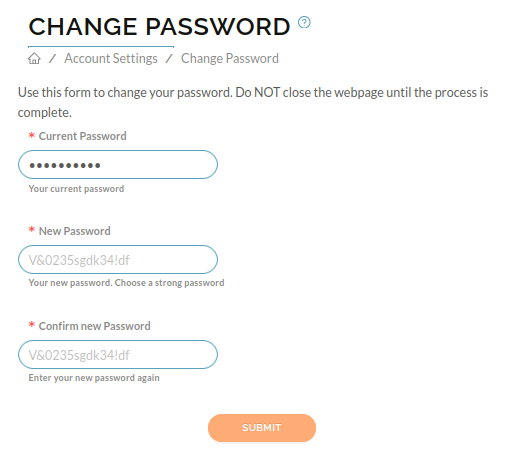
Fill out your current password in the box.
-
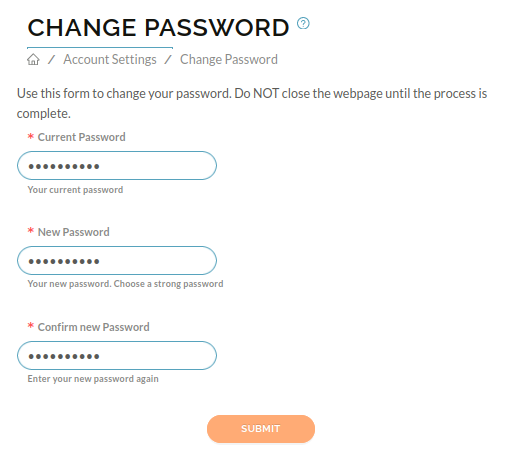
Enter your new password, then confirm this password and click Submit
-
If your password has been changed, you should see a notification on your screen that says Password Changed Successfully
