Reshare Data
Re-share allows a user to share items with a second party that have previously been shared with one party
-
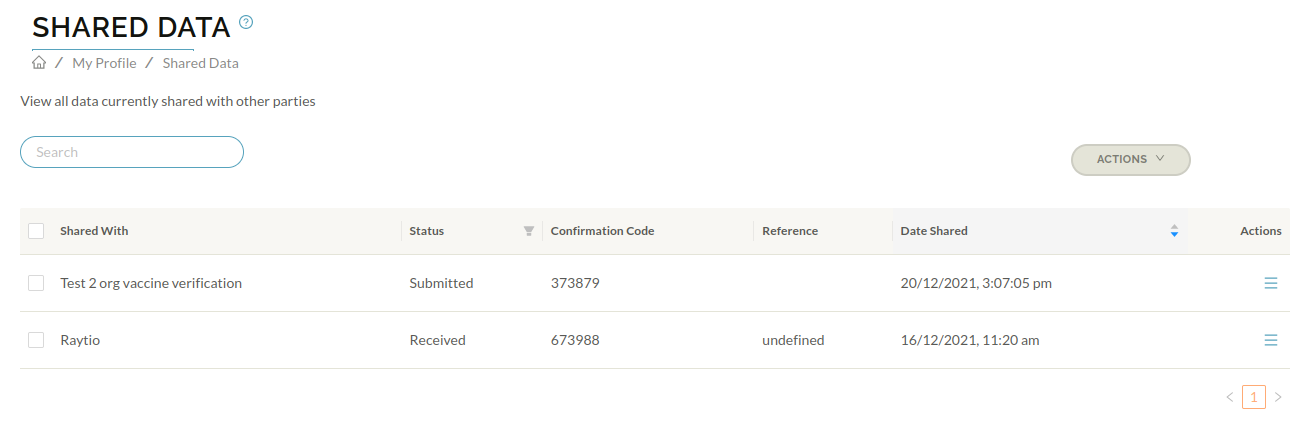
Navigate to Shared Data underneath the Sharing heading from the Raytio homescreen.
-
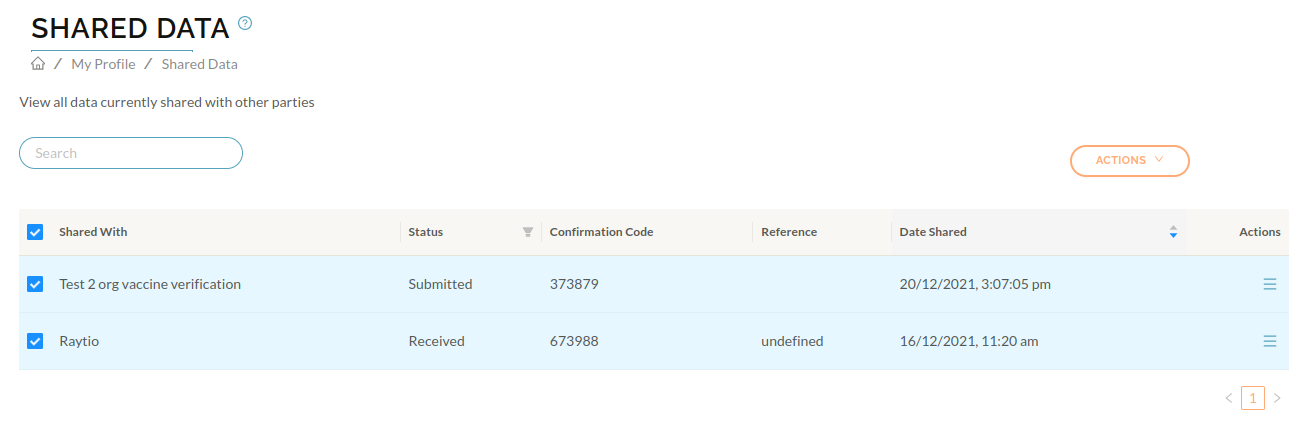
Select the items you want to reshare.
-
Choose Actions, then Share Submissions

-
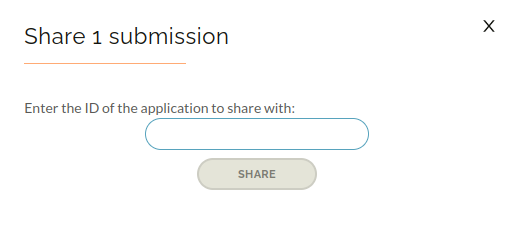
Enter the ID of the access application you want to share your data with - this will have been provided to you by the data recipient. Then press Share
-
A confirmation will by displayed confirming that your data has been reshared.