Identity Check
Instead of sending someone an access application link to collect their data, you can manually fill out the form on their behalf
-
To perform an identity check, navigate to the Raytio homepage. In the top left corner of your screen select the Data Receiver dropdown box, and then select Identity Check

-
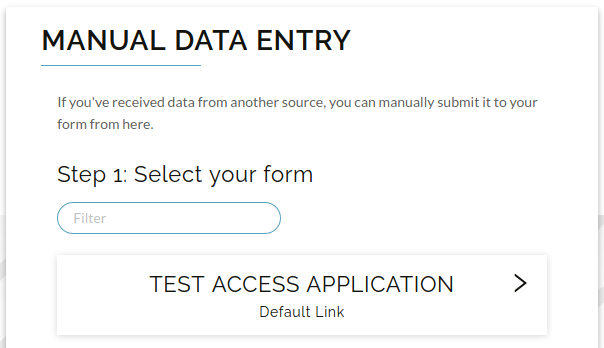
Select the form that you would like to fill out
-
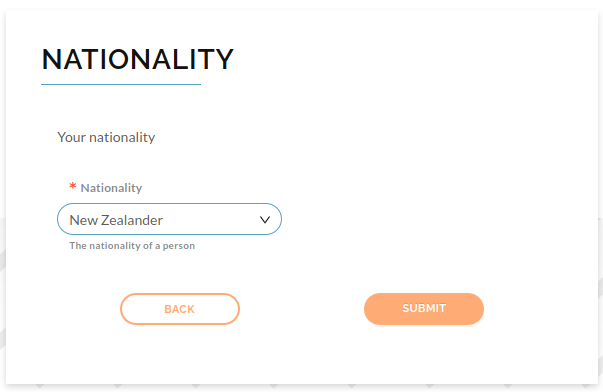
Fill out the form, and then select Submit. The entered information will then appear in your submissions list as if it had been completed by the user